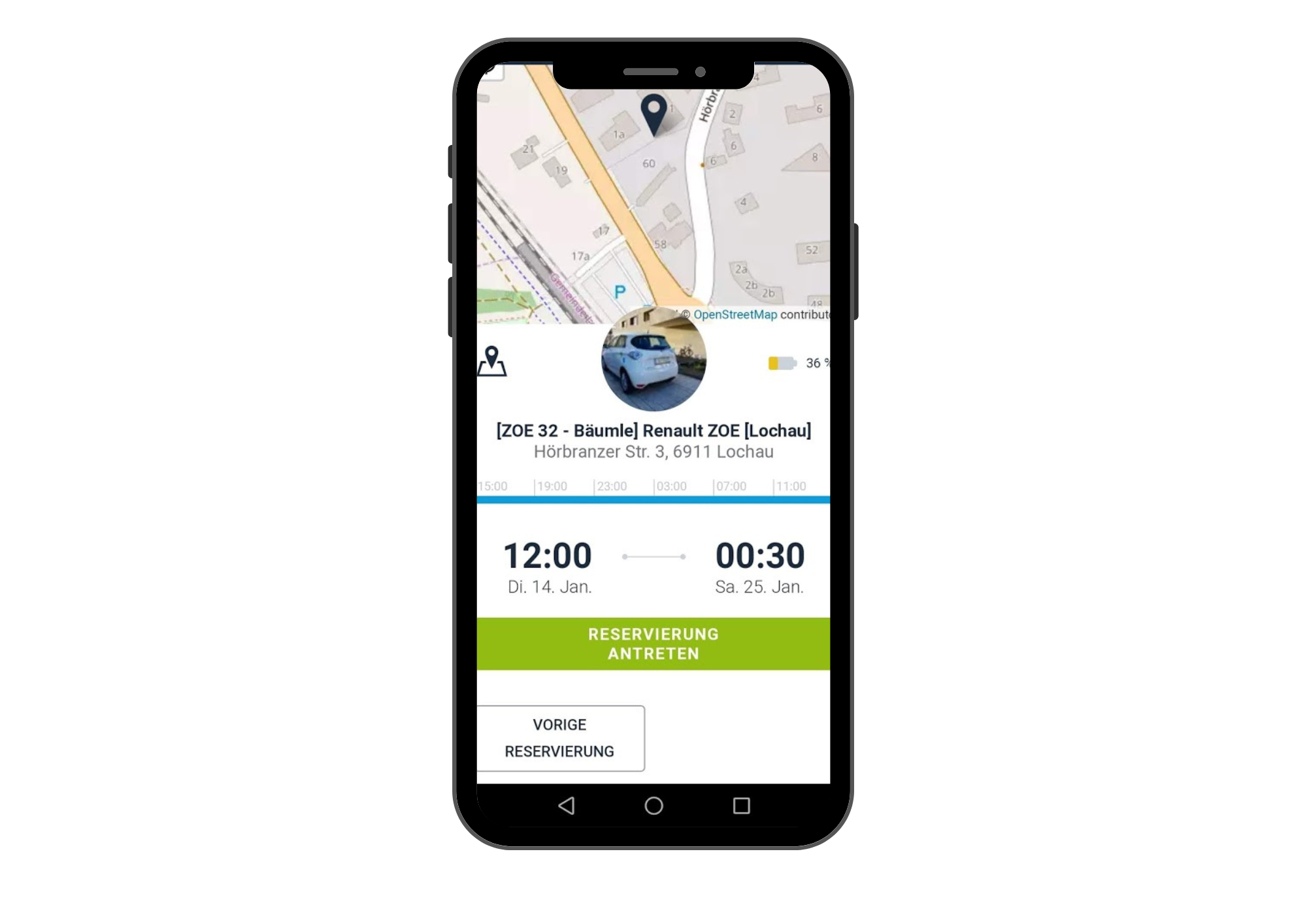
Once you’ve reserved a car, you can start the reservation either using the caruso carsharing app or your caruso customer card/Klimaticket.
caruso carsharing app:
You can start your reservation using the caruso carsharing app.
Tap the “key icon” at the bottom of the app. This will open your reservation.
Tap “Start reservation” to begin the reservation and unlock the vehicle.
Customer card/Klimaticket:
You can also start the reservation by briefly holding your caruso customer card/Klimaticket (if linked) up to the gray card reader on the windshield. A green light will appear on the card reader and you will hear a short beep; the car will unlock.